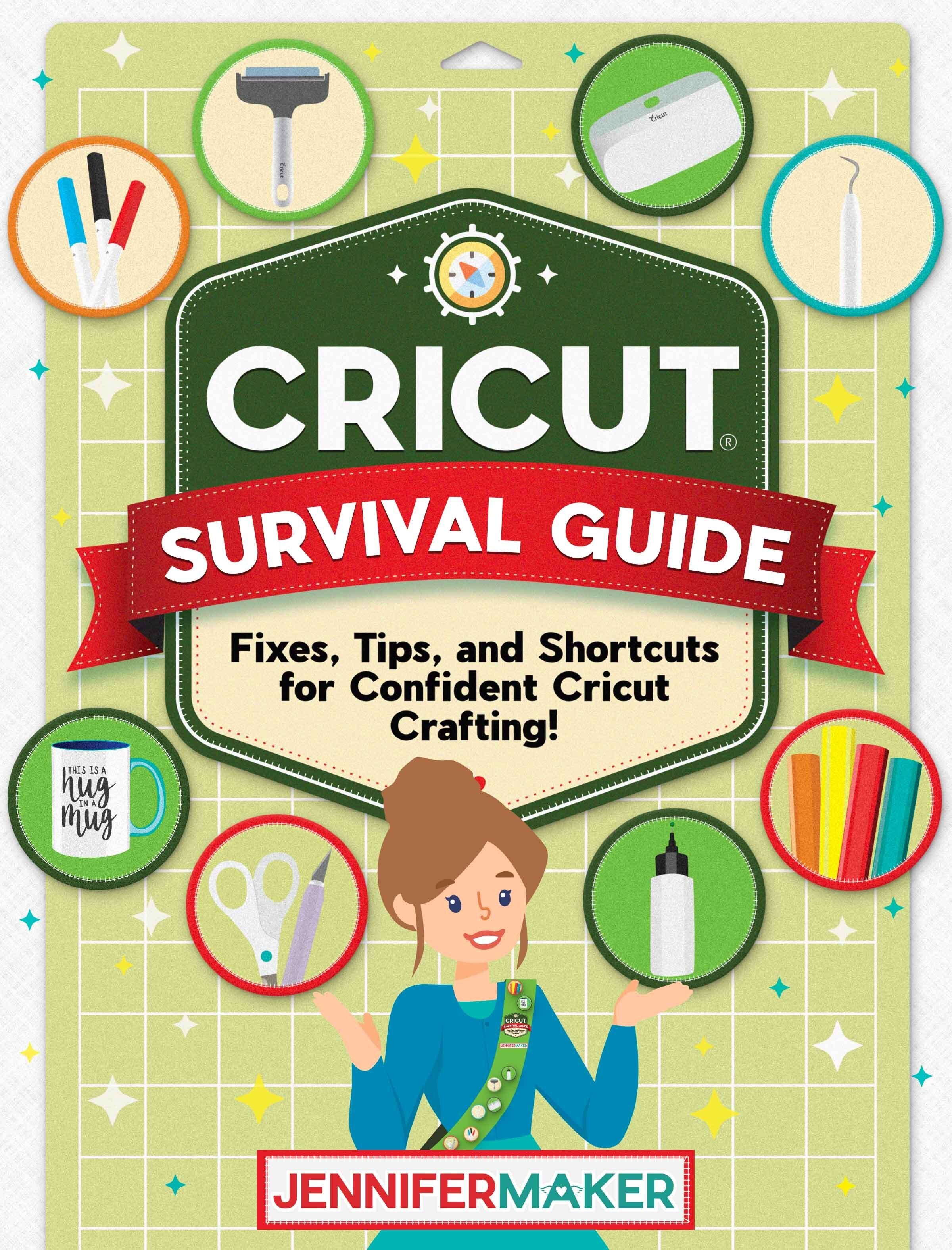
Cricut Survival Guide: Fixes, Tips, and Shortcuts for Confident Cricut Crafting – Digital Download
Cricut Survival Guide: Fixes, Tips, and Shortcuts for Confident Cricut Crafting – Digital Download
New - February 2026!
Cricut acting up again?
Design Space freezing, buttons missing, cuts not lining up, or Print Then Cut driving you this close to quitting for the day?
You’re not alone, and it’s not you.
The Cricut Survival Guide is a practical, problem-first digital handbook designed to help you fix common Cricut issues quickly and confidently, without digging through forums, outdated videos, or trial-and-error frustration.
This is not a step-by-step “how to use Cricut” book.
This is your go-to troubleshooting reference for when things go wrong.
What’s inside the Cricut Survival Guide:
This full-color digital ebook focuses on real-world Cricut frustrations and what to try first, next, and last, including:
Design Space Problems
-
App freezing, crashing, or not opening
-
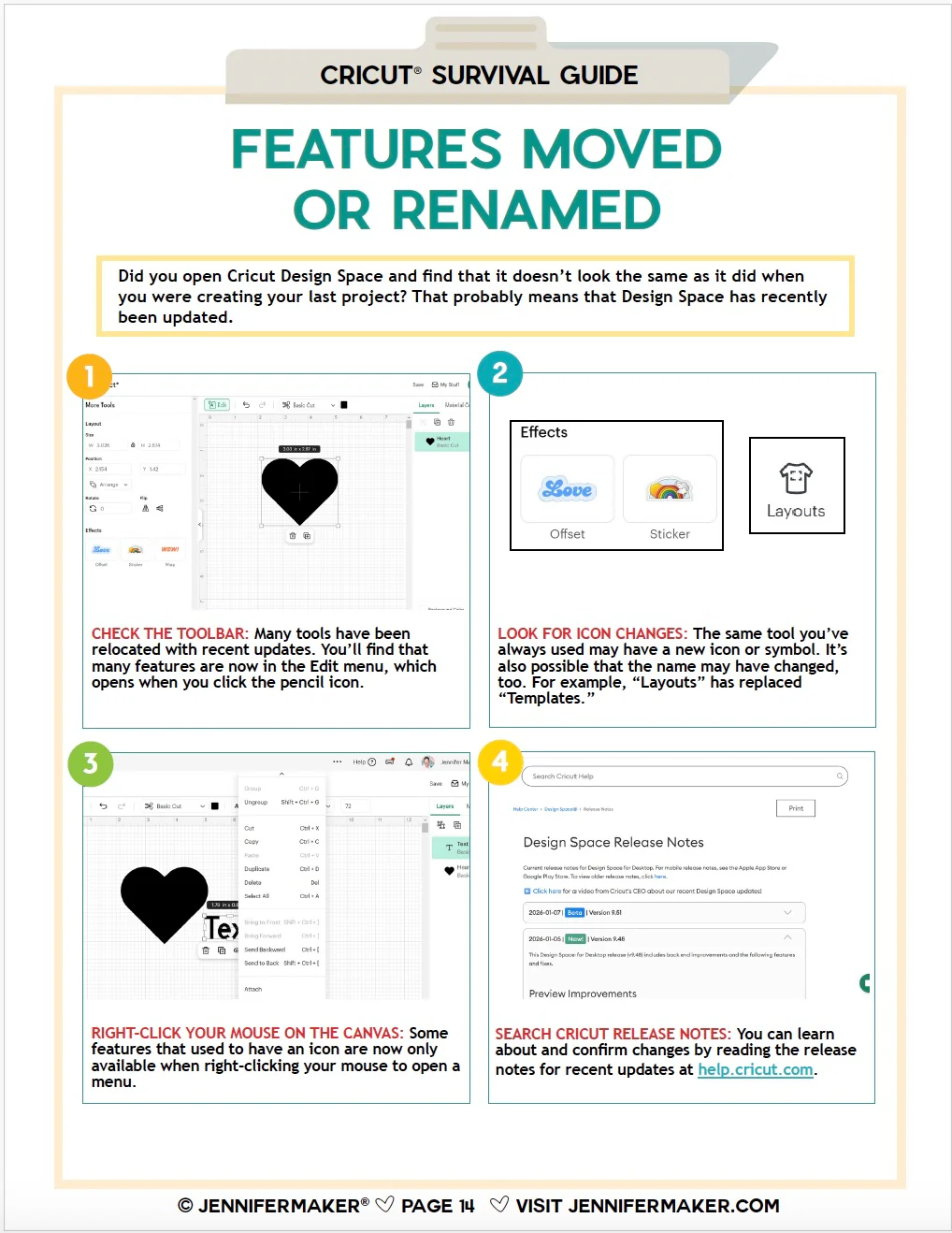
Missing buttons or tools
-
Sync and cloud issues
-
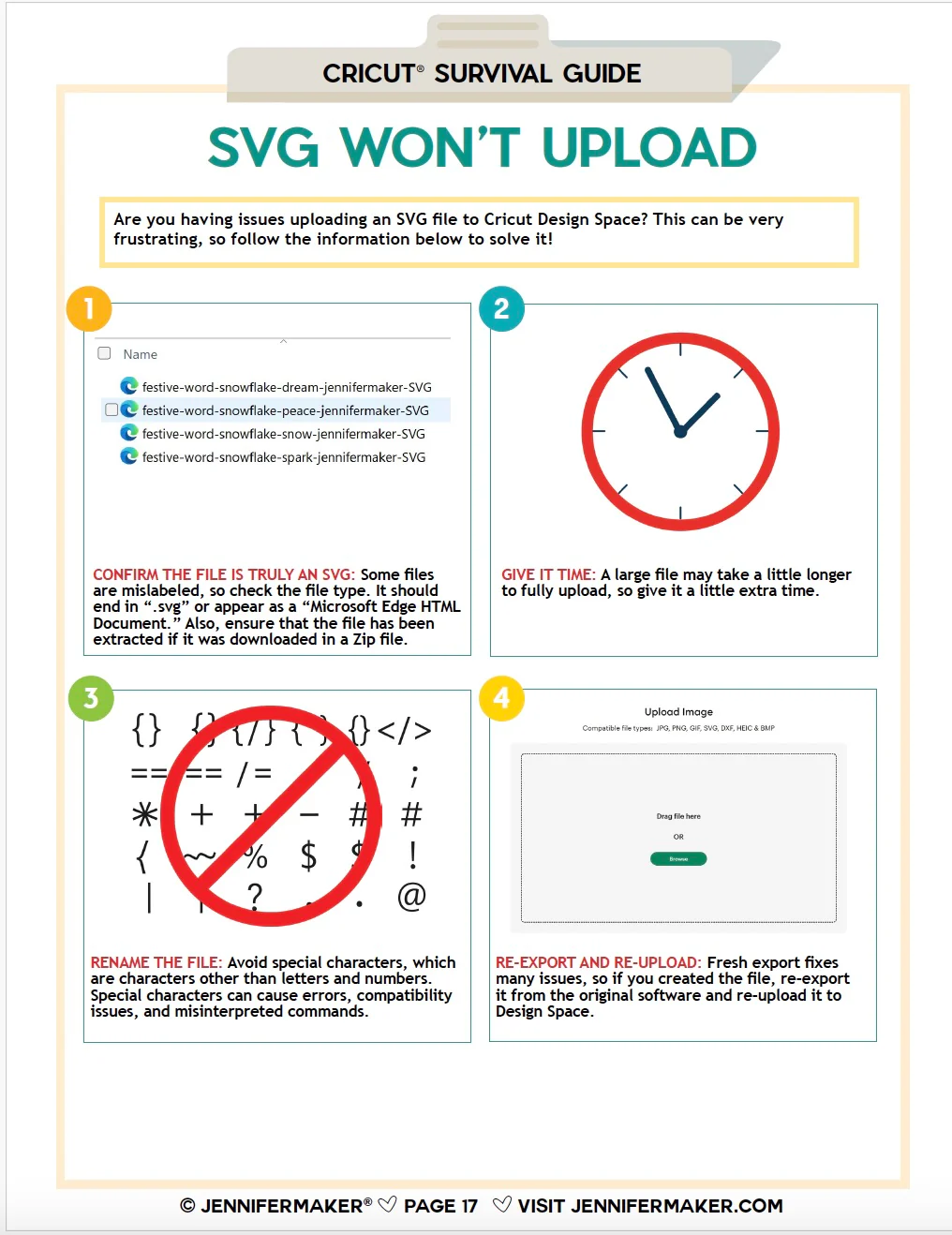
Upload problems
-
When to clear cache, reinstall, or stop troubleshooting
Cutting & Machine Issues
-
Cuts not lining up correctly
-
Projects cutting in the wrong spot
-
Incomplete or messy cuts
-
Mat and material placement problems
-
Connection and communication errors
Material-Specific Troubleshooting
-
Cardstock issues
-
Vinyl & iron-on problems
-
Printable materials
-
Blade, pressure, and material setting mistakes
Print Then Cut Survival Help
-
Calibration problems
-
Sensor mark issues
-
Print quality vs cut accuracy
-
Common setup mistakes that cause failures
Common User Errors & Setup Issues
-
Things that look like machine problems but aren’t
-
Settings that silently cause issues
-
When a reset actually helps (and when it doesn’t)
Each section is designed to be skimmable, searchable, and easy to reference while you’re working — so you can get unstuck fast and get back to crafting.
Why you’ll love this guide:
-
Problem-first (not feature-first)
-
Clear, practical explanations
-
No fluff, no guessing
-
Built for real Cricut users and real frustrations
-
Perfect to keep open on your device while crafting
This guide reflects the latest Cricut Design Space changes and is built to evolve as updates roll out.


Please note:
This is an instant digital download. Nothing will be shipped.
Original: $19.00
-70%$19.00
$5.70More Images
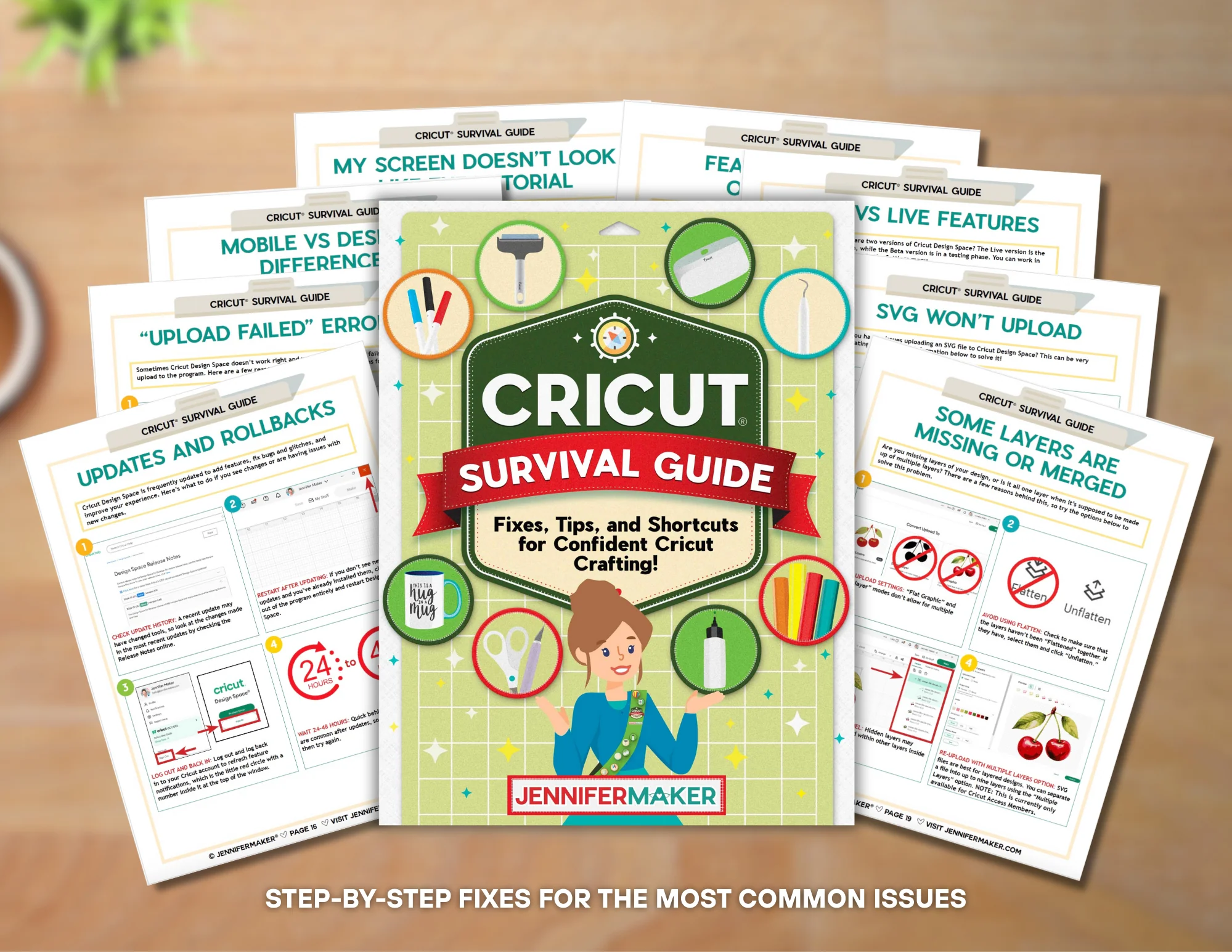
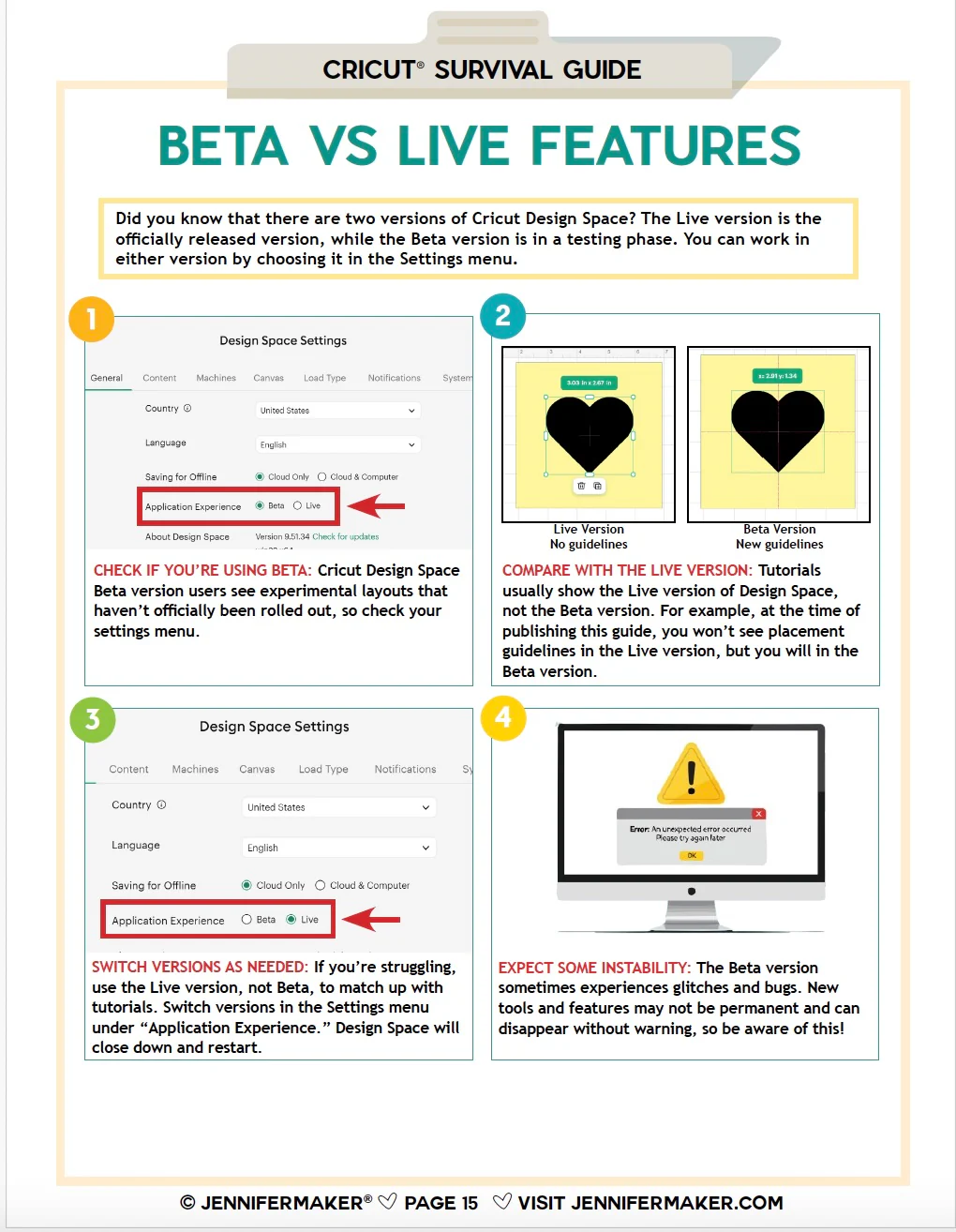
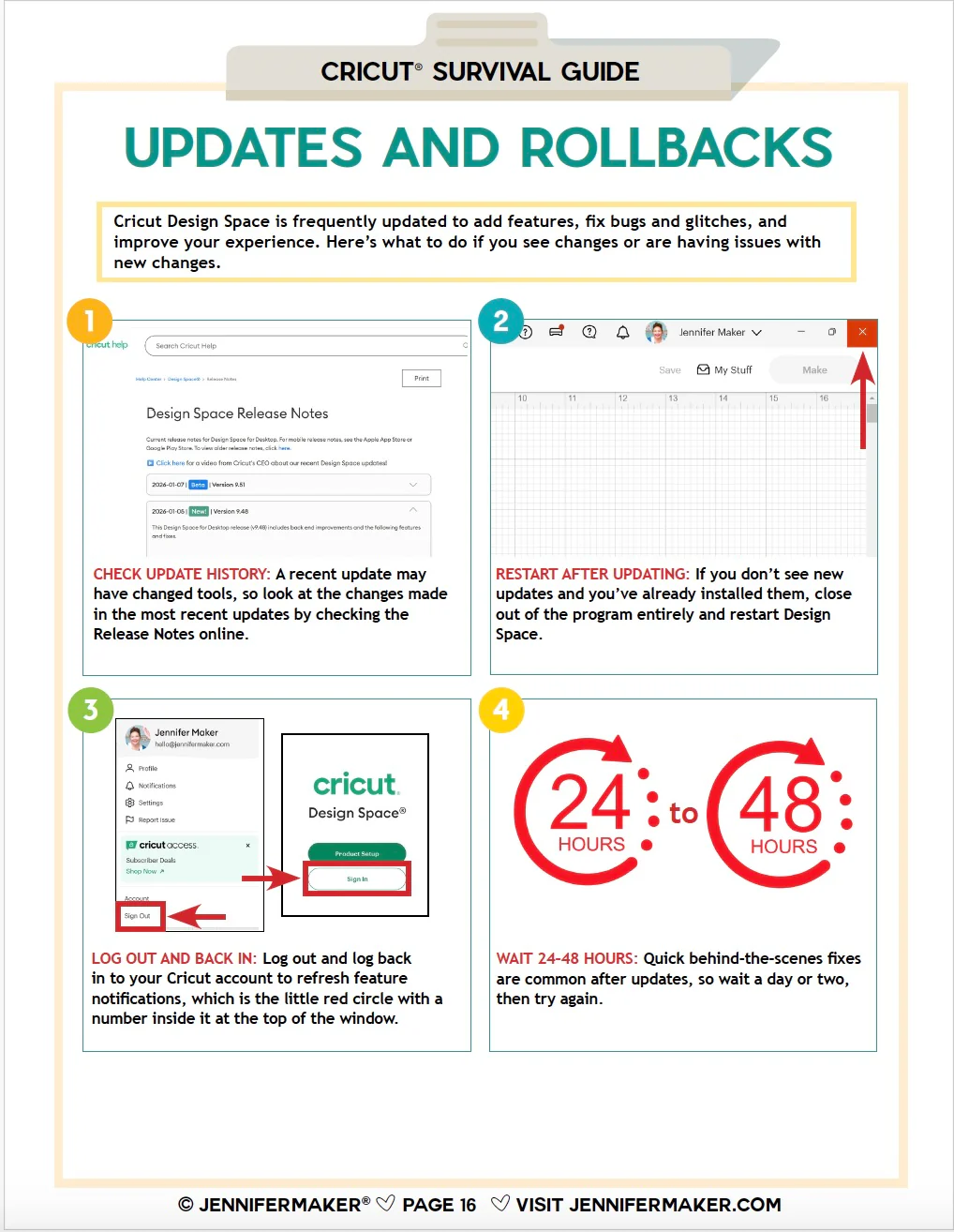
Cricut Survival Guide: Fixes, Tips, and Shortcuts for Confident Cricut Crafting – Digital Download
New - February 2026!
Cricut acting up again?
Design Space freezing, buttons missing, cuts not lining up, or Print Then Cut driving you this close to quitting for the day?
You’re not alone, and it’s not you.
The Cricut Survival Guide is a practical, problem-first digital handbook designed to help you fix common Cricut issues quickly and confidently, without digging through forums, outdated videos, or trial-and-error frustration.
This is not a step-by-step “how to use Cricut” book.
This is your go-to troubleshooting reference for when things go wrong.
What’s inside the Cricut Survival Guide:
This full-color digital ebook focuses on real-world Cricut frustrations and what to try first, next, and last, including:
Design Space Problems
-
App freezing, crashing, or not opening
-
Missing buttons or tools
-
Sync and cloud issues
-
Upload problems
-
When to clear cache, reinstall, or stop troubleshooting
Cutting & Machine Issues
-
Cuts not lining up correctly
-
Projects cutting in the wrong spot
-
Incomplete or messy cuts
-
Mat and material placement problems
-
Connection and communication errors
Material-Specific Troubleshooting
-
Cardstock issues
-
Vinyl & iron-on problems
-
Printable materials
-
Blade, pressure, and material setting mistakes
Print Then Cut Survival Help
-
Calibration problems
-
Sensor mark issues
-
Print quality vs cut accuracy
-
Common setup mistakes that cause failures
Common User Errors & Setup Issues
-
Things that look like machine problems but aren’t
-
Settings that silently cause issues
-
When a reset actually helps (and when it doesn’t)
Each section is designed to be skimmable, searchable, and easy to reference while you’re working — so you can get unstuck fast and get back to crafting.
Why you’ll love this guide:
-
Problem-first (not feature-first)
-
Clear, practical explanations
-
No fluff, no guessing
-
Built for real Cricut users and real frustrations
-
Perfect to keep open on your device while crafting
This guide reflects the latest Cricut Design Space changes and is built to evolve as updates roll out.
Please note:
This is an instant digital download. Nothing will be shipped.
Product Information
Product Information
Shipping & Returns
Shipping & Returns
Description
New - February 2026!
Cricut acting up again?
Design Space freezing, buttons missing, cuts not lining up, or Print Then Cut driving you this close to quitting for the day?
You’re not alone, and it’s not you.
The Cricut Survival Guide is a practical, problem-first digital handbook designed to help you fix common Cricut issues quickly and confidently, without digging through forums, outdated videos, or trial-and-error frustration.
This is not a step-by-step “how to use Cricut” book.
This is your go-to troubleshooting reference for when things go wrong.
What’s inside the Cricut Survival Guide:
This full-color digital ebook focuses on real-world Cricut frustrations and what to try first, next, and last, including:
Design Space Problems
-
App freezing, crashing, or not opening
-
Missing buttons or tools
-
Sync and cloud issues
-
Upload problems
-
When to clear cache, reinstall, or stop troubleshooting
Cutting & Machine Issues
-
Cuts not lining up correctly
-
Projects cutting in the wrong spot
-
Incomplete or messy cuts
-
Mat and material placement problems
-
Connection and communication errors
Material-Specific Troubleshooting
-
Cardstock issues
-
Vinyl & iron-on problems
-
Printable materials
-
Blade, pressure, and material setting mistakes
Print Then Cut Survival Help
-
Calibration problems
-
Sensor mark issues
-
Print quality vs cut accuracy
-
Common setup mistakes that cause failures
Common User Errors & Setup Issues
-
Things that look like machine problems but aren’t
-
Settings that silently cause issues
-
When a reset actually helps (and when it doesn’t)
Each section is designed to be skimmable, searchable, and easy to reference while you’re working — so you can get unstuck fast and get back to crafting.
Why you’ll love this guide:
-
Problem-first (not feature-first)
-
Clear, practical explanations
-
No fluff, no guessing
-
Built for real Cricut users and real frustrations
-
Perfect to keep open on your device while crafting
This guide reflects the latest Cricut Design Space changes and is built to evolve as updates roll out.
Please note:
This is an instant digital download. Nothing will be shipped.