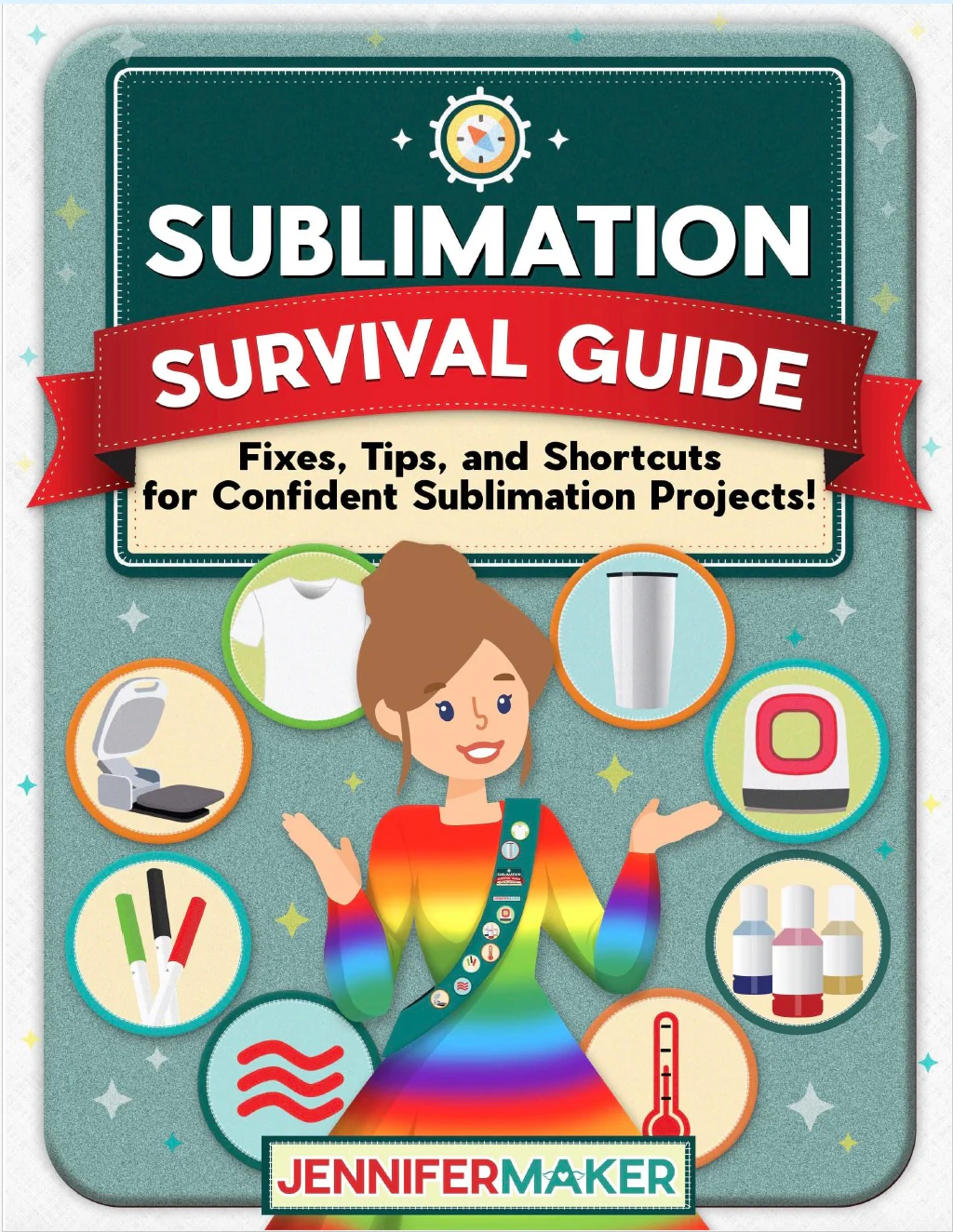
Sublimation Survival Guide: Fixes, Tips, and Shortcuts for Confident Sublimation Projects – Digital Download
Sublimation Survival Guide: Fixes, Tips, and Shortcuts for Confident Sublimation Projects – Digital Download
New – March 2026!
Color looks wrong?
Design faded?
Ghosting, scorch marks, or ink blowouts ruining your blanks?
Sublimation can feel magical when it works… and incredibly frustrating when it doesn’t.
You’re not alone. And most problems are completely fixable.
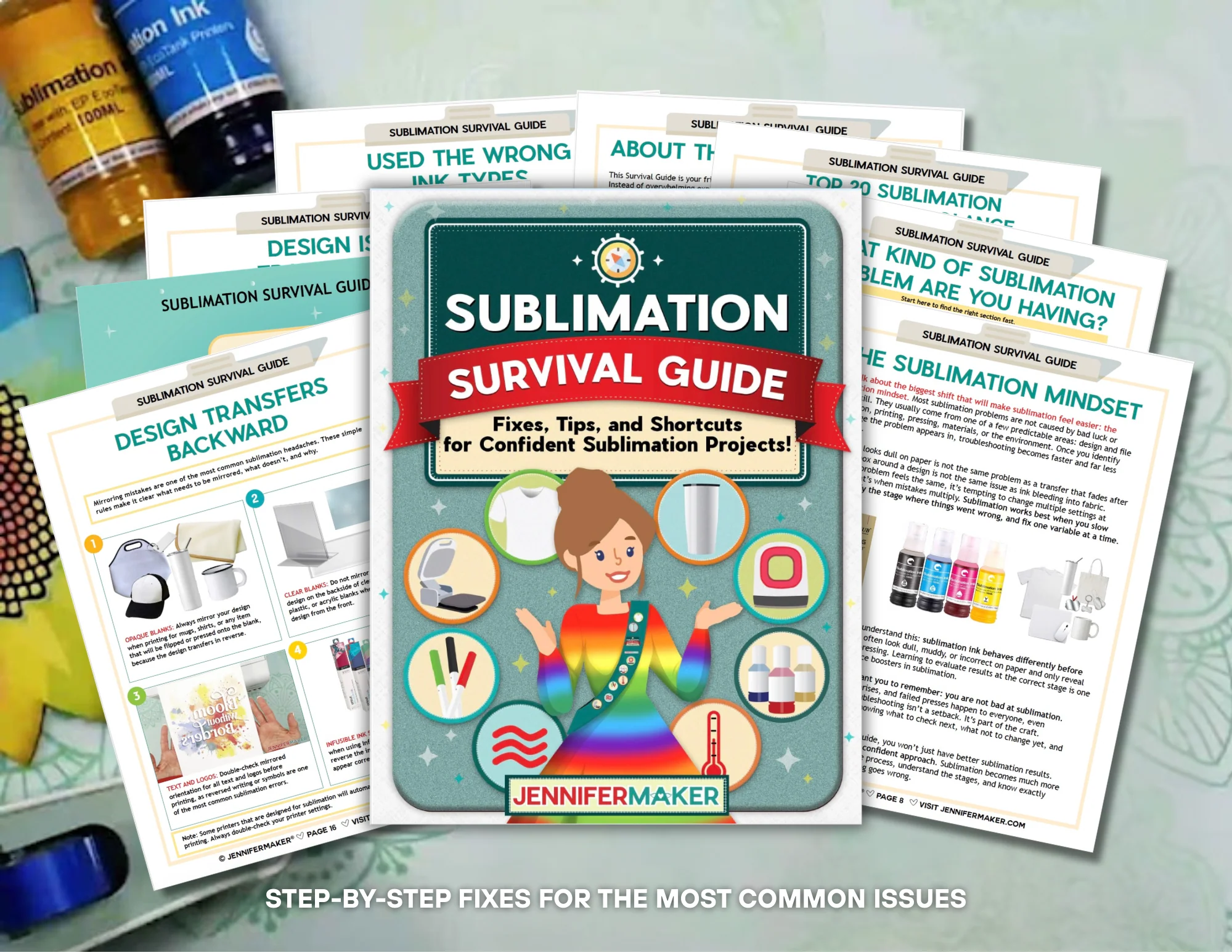
The Sublimation Survival Guide is a practical, problem-first digital handbook designed to help you troubleshoot common sublimation issues quickly and confidently — without wasting blanks, guessing at settings, or changing ten things at once.
This is not a deep technical manual.
This is your go-to troubleshooting companion for when results don’t match expectations.
Instead of overwhelming explanations, you’ll find clear, skimmable “try this first” solutions organized by stage — from setup and printing to pressing and environmental issues — so you can fix the right variable at the right time.
What’s Inside the Sublimation Survival Guide
This full-color digital ebook walks you step-by-step through real-world sublimation frustrations, including:
Sublimation Basics & Setup
-
Using the wrong ink type
-
Wrong paper weight
-
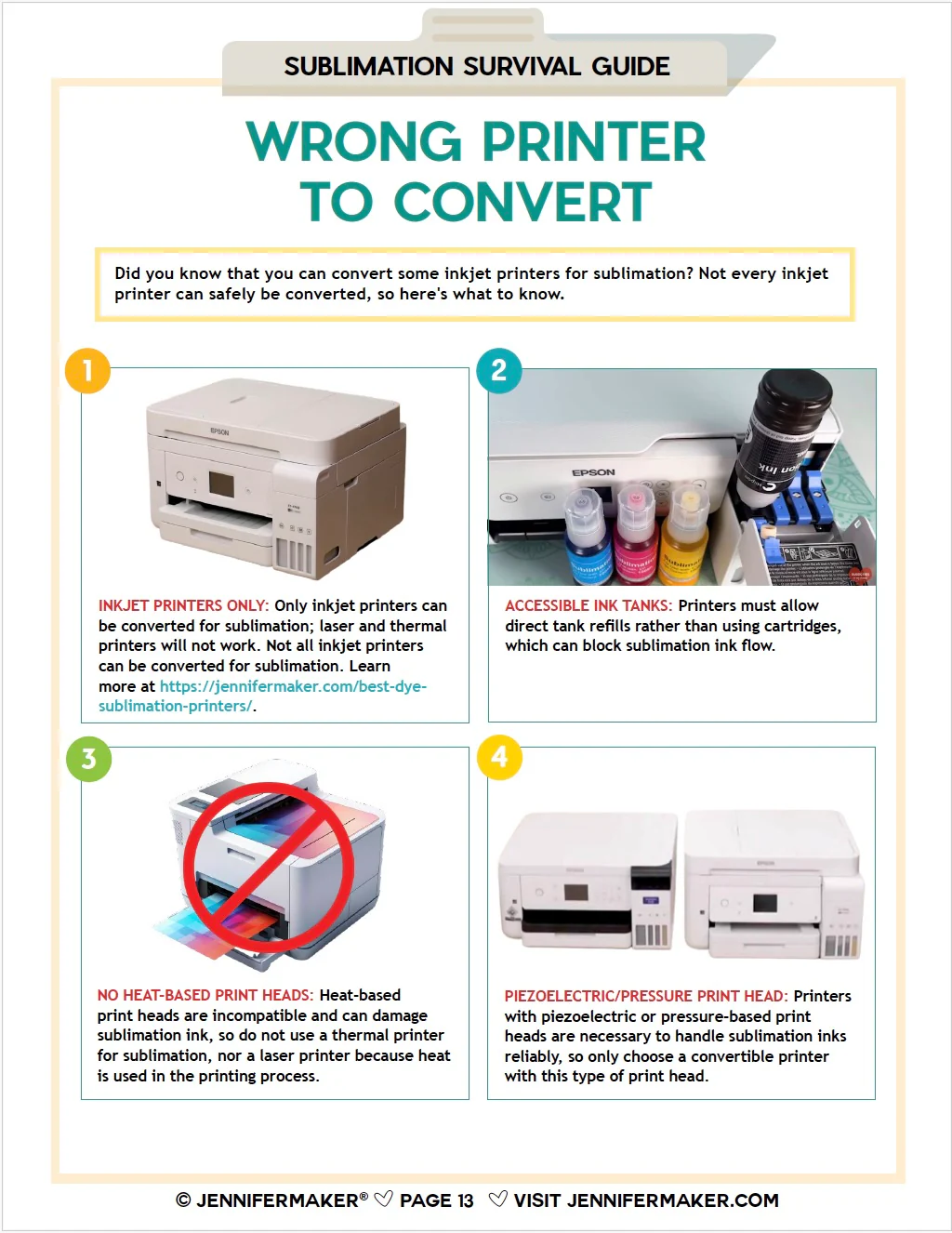
Converting the wrong printer
-
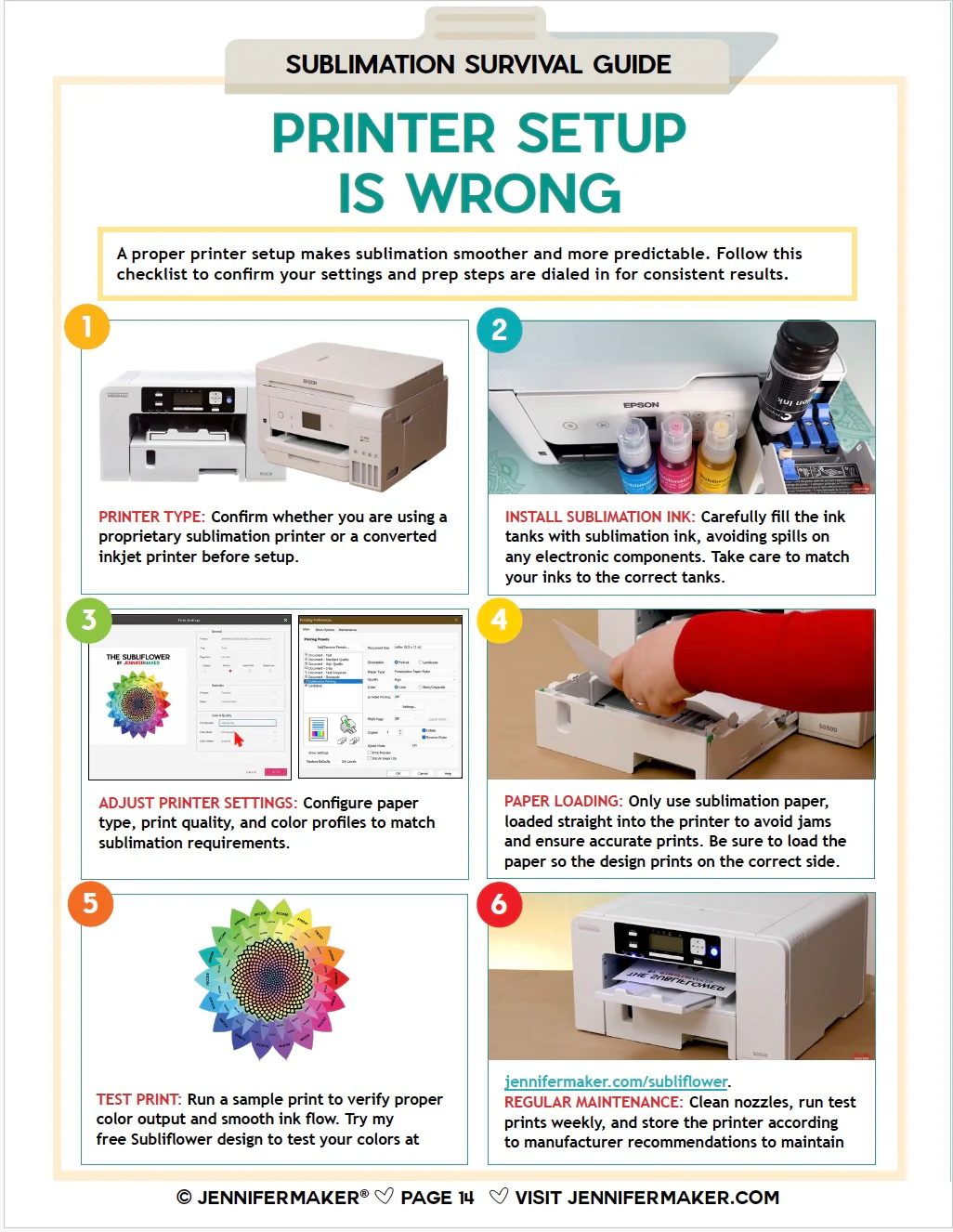
Incorrect printer setup
-
Design not transferring at all
Design & File Preparation
-
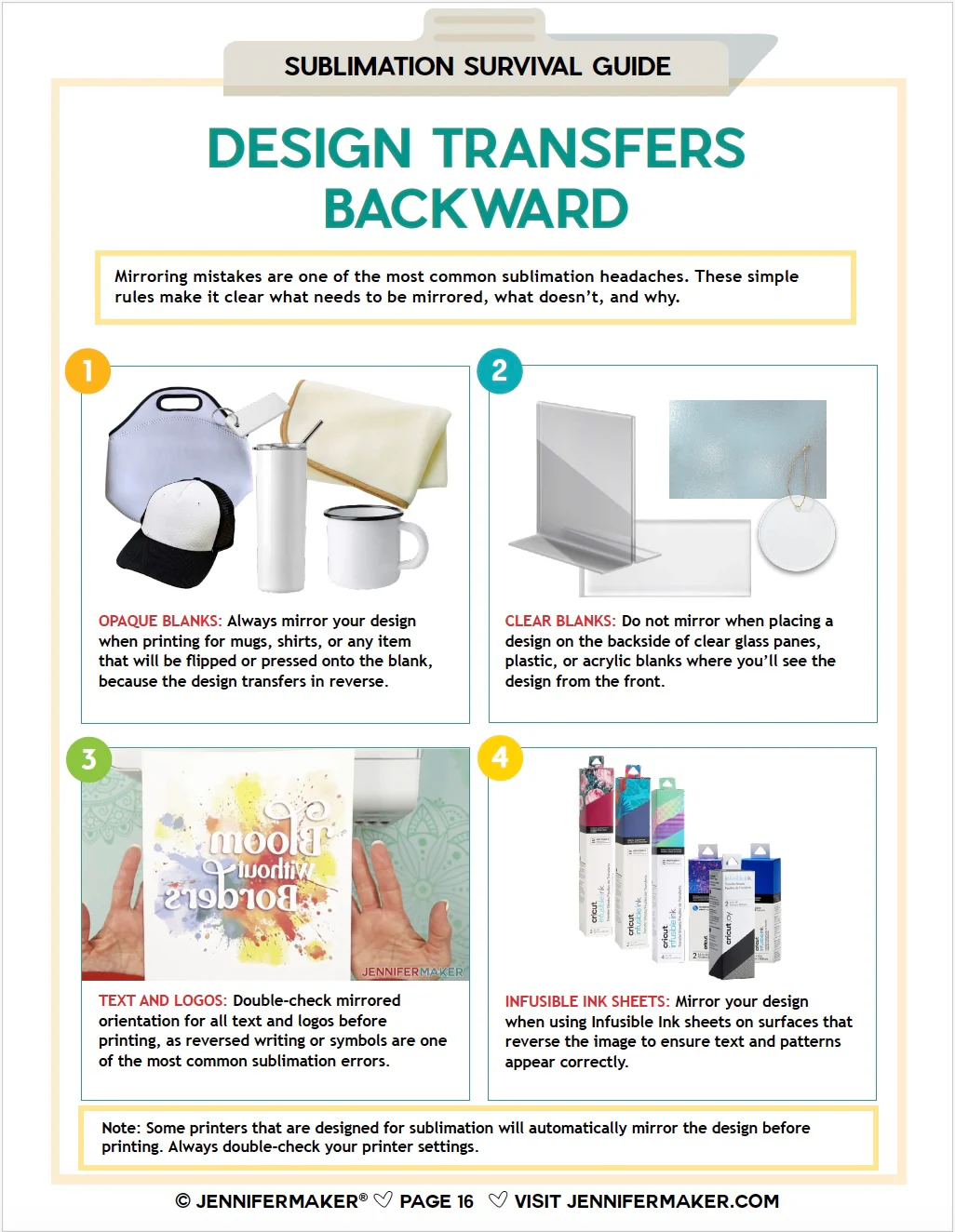
Designs transferring backward
-
Pixelated or blurry prints
-
Colors looking wrong after pressing
-
Printed colors not matching screen
-
Canva resizing or flattening issues
-
Print Then Cut problems
-
Designs not fitting or placing correctly
Printing Problems
-
Inconsistent prints
-
Dull prints before pressing (and when that’s normal!)
-
Oversaturated or muddy prints
-
Banding and missing lines
-
Ink smudging or paper jams
-
Double color correction mistakes
Preparation & Pressing Issues
-
Ghosting and shadow images
-
Press marks or box outlines
-
Faded or uneven transfers
-
Ink bleeding or spreading
-
Design shifting during pressing
-
Warping or discoloration
Color Problems & Corrections
-
Reds turning orange
-
Blacks looking brown or purple
-
Blues shifting green
-
Muted or grayish tones
-
ICC profile confusion
-
RGB vs CMYK mistakes
Blank-Specific Troubleshooting
-
Polyester fading
-
Dye migration
-
Scorching on fabric
-
Tumblers pressing unevenly
-
Ceramic fading
-
Acrylic or plastic warping
-
Slate, metal, wood, and specialty blank issues
Environmental & Equipment Issues
-
Humidity problems
-
Static causing ink movement
-
Dirty blanks
-
Clogged printers
-
Heat press temperature inconsistencies
-
When your press might actually be the problem
When Nothing Works
-
Step-by-step Sublimation Reset Checklist
-
Test Print Protocol
-
Test Press Protocol
-
Replacement Decision Guide
-
When to stop troubleshooting
Why You’ll Love This Guide
✔ Problem-first (not theory-first)
✔ Clear, practical next steps
✔ Designed for real sublimation frustrations
✔ Skimmable and searchable
✔ Keeps you from changing ten settings at once
✔ Helps you waste fewer blanks
This guide teaches you the sublimation mindset — identifying which stage the problem appears in and fixing one variable at a time so you can press with confidence instead of panic.
Keep it open beside your heat press. Flip to the symptom. Follow the bolded steps. Get back to making.
Like all JenniferMaker Survival Guides, this book will be updated as techniques, equipment, and best practices evolve. All digital purchasers receive free major updates through their original download link.


Original: $19.00
-70%$19.00
$5.70More Images
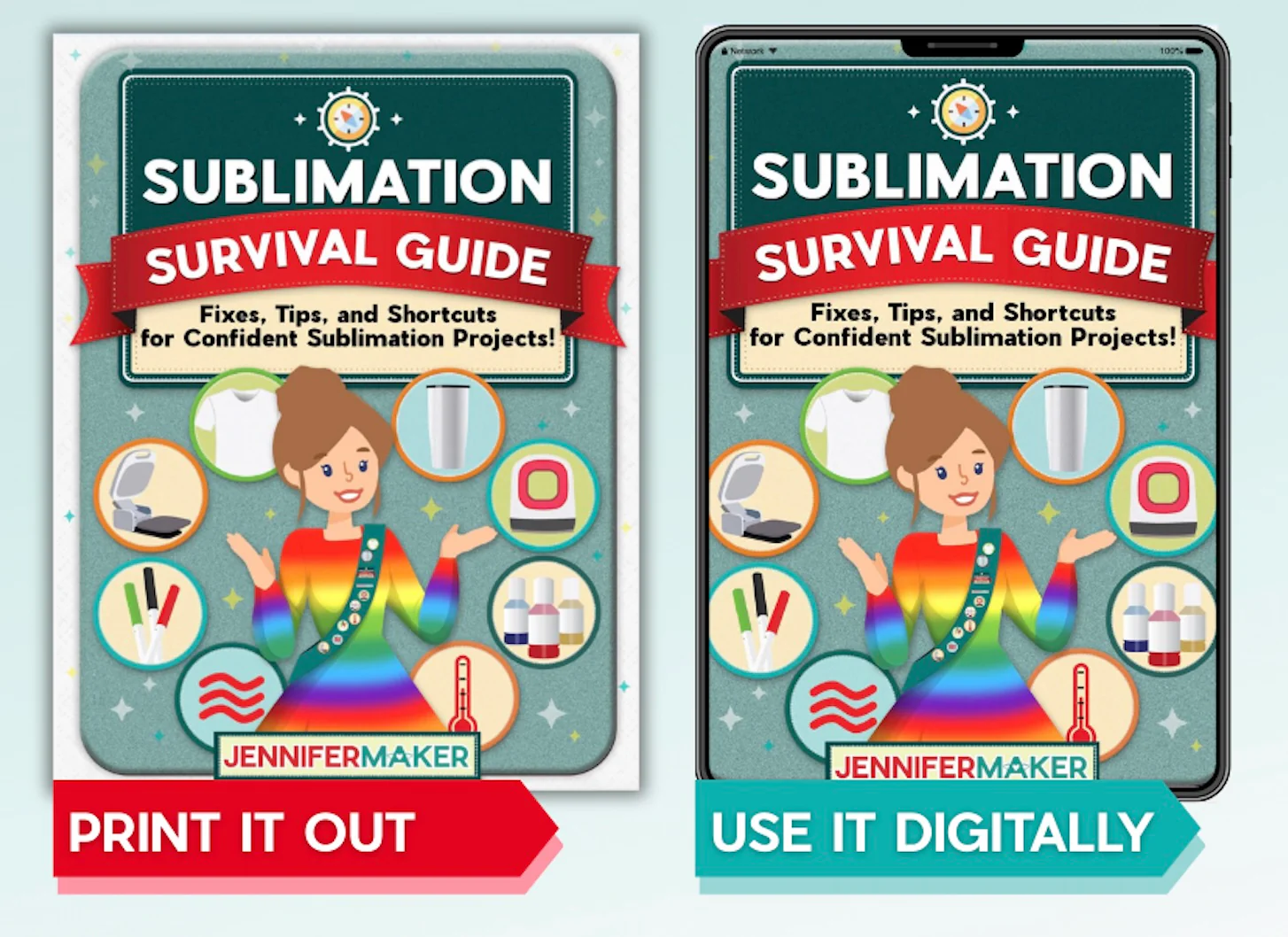
Sublimation Survival Guide: Fixes, Tips, and Shortcuts for Confident Sublimation Projects – Digital Download
New – March 2026!
Color looks wrong?
Design faded?
Ghosting, scorch marks, or ink blowouts ruining your blanks?
Sublimation can feel magical when it works… and incredibly frustrating when it doesn’t.
You’re not alone. And most problems are completely fixable.
The Sublimation Survival Guide is a practical, problem-first digital handbook designed to help you troubleshoot common sublimation issues quickly and confidently — without wasting blanks, guessing at settings, or changing ten things at once.
This is not a deep technical manual.
This is your go-to troubleshooting companion for when results don’t match expectations.
Instead of overwhelming explanations, you’ll find clear, skimmable “try this first” solutions organized by stage — from setup and printing to pressing and environmental issues — so you can fix the right variable at the right time.
What’s Inside the Sublimation Survival Guide
This full-color digital ebook walks you step-by-step through real-world sublimation frustrations, including:
Sublimation Basics & Setup
-
Using the wrong ink type
-
Wrong paper weight
-
Converting the wrong printer
-
Incorrect printer setup
-
Design not transferring at all
Design & File Preparation
-
Designs transferring backward
-
Pixelated or blurry prints
-
Colors looking wrong after pressing
-
Printed colors not matching screen
-
Canva resizing or flattening issues
-
Print Then Cut problems
-
Designs not fitting or placing correctly
Printing Problems
-
Inconsistent prints
-
Dull prints before pressing (and when that’s normal!)
-
Oversaturated or muddy prints
-
Banding and missing lines
-
Ink smudging or paper jams
-
Double color correction mistakes
Preparation & Pressing Issues
-
Ghosting and shadow images
-
Press marks or box outlines
-
Faded or uneven transfers
-
Ink bleeding or spreading
-
Design shifting during pressing
-
Warping or discoloration
Color Problems & Corrections
-
Reds turning orange
-
Blacks looking brown or purple
-
Blues shifting green
-
Muted or grayish tones
-
ICC profile confusion
-
RGB vs CMYK mistakes
Blank-Specific Troubleshooting
-
Polyester fading
-
Dye migration
-
Scorching on fabric
-
Tumblers pressing unevenly
-
Ceramic fading
-
Acrylic or plastic warping
-
Slate, metal, wood, and specialty blank issues
Environmental & Equipment Issues
-
Humidity problems
-
Static causing ink movement
-
Dirty blanks
-
Clogged printers
-
Heat press temperature inconsistencies
-
When your press might actually be the problem
When Nothing Works
-
Step-by-step Sublimation Reset Checklist
-
Test Print Protocol
-
Test Press Protocol
-
Replacement Decision Guide
-
When to stop troubleshooting
Why You’ll Love This Guide
✔ Problem-first (not theory-first)
✔ Clear, practical next steps
✔ Designed for real sublimation frustrations
✔ Skimmable and searchable
✔ Keeps you from changing ten settings at once
✔ Helps you waste fewer blanks
This guide teaches you the sublimation mindset — identifying which stage the problem appears in and fixing one variable at a time so you can press with confidence instead of panic.
Keep it open beside your heat press. Flip to the symptom. Follow the bolded steps. Get back to making.
Like all JenniferMaker Survival Guides, this book will be updated as techniques, equipment, and best practices evolve. All digital purchasers receive free major updates through their original download link.
Product Information
Product Information
Shipping & Returns
Shipping & Returns
Description
New – March 2026!
Color looks wrong?
Design faded?
Ghosting, scorch marks, or ink blowouts ruining your blanks?
Sublimation can feel magical when it works… and incredibly frustrating when it doesn’t.
You’re not alone. And most problems are completely fixable.
The Sublimation Survival Guide is a practical, problem-first digital handbook designed to help you troubleshoot common sublimation issues quickly and confidently — without wasting blanks, guessing at settings, or changing ten things at once.
This is not a deep technical manual.
This is your go-to troubleshooting companion for when results don’t match expectations.
Instead of overwhelming explanations, you’ll find clear, skimmable “try this first” solutions organized by stage — from setup and printing to pressing and environmental issues — so you can fix the right variable at the right time.
What’s Inside the Sublimation Survival Guide
This full-color digital ebook walks you step-by-step through real-world sublimation frustrations, including:
Sublimation Basics & Setup
-
Using the wrong ink type
-
Wrong paper weight
-
Converting the wrong printer
-
Incorrect printer setup
-
Design not transferring at all
Design & File Preparation
-
Designs transferring backward
-
Pixelated or blurry prints
-
Colors looking wrong after pressing
-
Printed colors not matching screen
-
Canva resizing or flattening issues
-
Print Then Cut problems
-
Designs not fitting or placing correctly
Printing Problems
-
Inconsistent prints
-
Dull prints before pressing (and when that’s normal!)
-
Oversaturated or muddy prints
-
Banding and missing lines
-
Ink smudging or paper jams
-
Double color correction mistakes
Preparation & Pressing Issues
-
Ghosting and shadow images
-
Press marks or box outlines
-
Faded or uneven transfers
-
Ink bleeding or spreading
-
Design shifting during pressing
-
Warping or discoloration
Color Problems & Corrections
-
Reds turning orange
-
Blacks looking brown or purple
-
Blues shifting green
-
Muted or grayish tones
-
ICC profile confusion
-
RGB vs CMYK mistakes
Blank-Specific Troubleshooting
-
Polyester fading
-
Dye migration
-
Scorching on fabric
-
Tumblers pressing unevenly
-
Ceramic fading
-
Acrylic or plastic warping
-
Slate, metal, wood, and specialty blank issues
Environmental & Equipment Issues
-
Humidity problems
-
Static causing ink movement
-
Dirty blanks
-
Clogged printers
-
Heat press temperature inconsistencies
-
When your press might actually be the problem
When Nothing Works
-
Step-by-step Sublimation Reset Checklist
-
Test Print Protocol
-
Test Press Protocol
-
Replacement Decision Guide
-
When to stop troubleshooting
Why You’ll Love This Guide
✔ Problem-first (not theory-first)
✔ Clear, practical next steps
✔ Designed for real sublimation frustrations
✔ Skimmable and searchable
✔ Keeps you from changing ten settings at once
✔ Helps you waste fewer blanks
This guide teaches you the sublimation mindset — identifying which stage the problem appears in and fixing one variable at a time so you can press with confidence instead of panic.
Keep it open beside your heat press. Flip to the symptom. Follow the bolded steps. Get back to making.
Like all JenniferMaker Survival Guides, this book will be updated as techniques, equipment, and best practices evolve. All digital purchasers receive free major updates through their original download link.